Step by step
Follow one event through
Scroll. The screen on the right changes with each step.
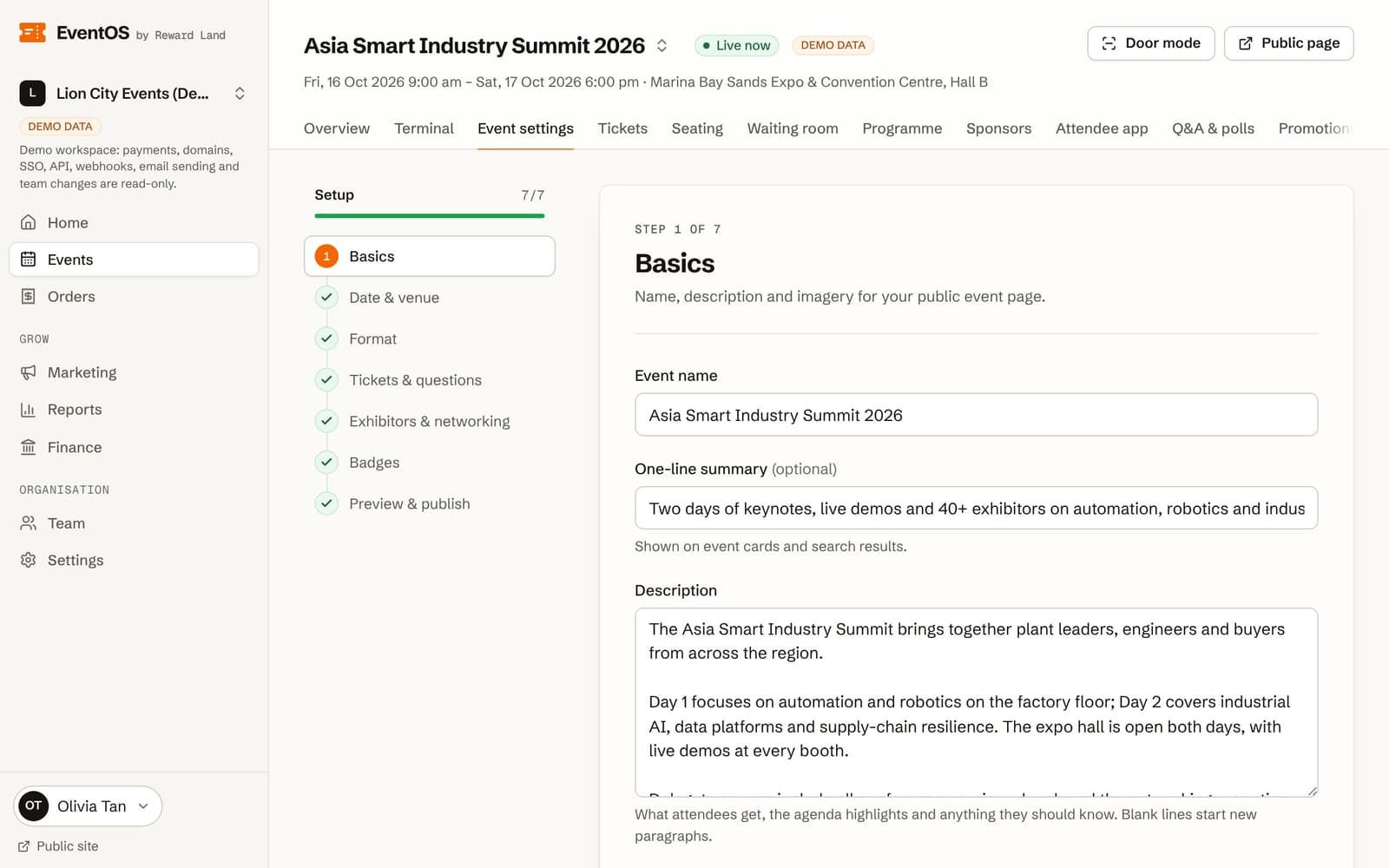
- 01Organiser
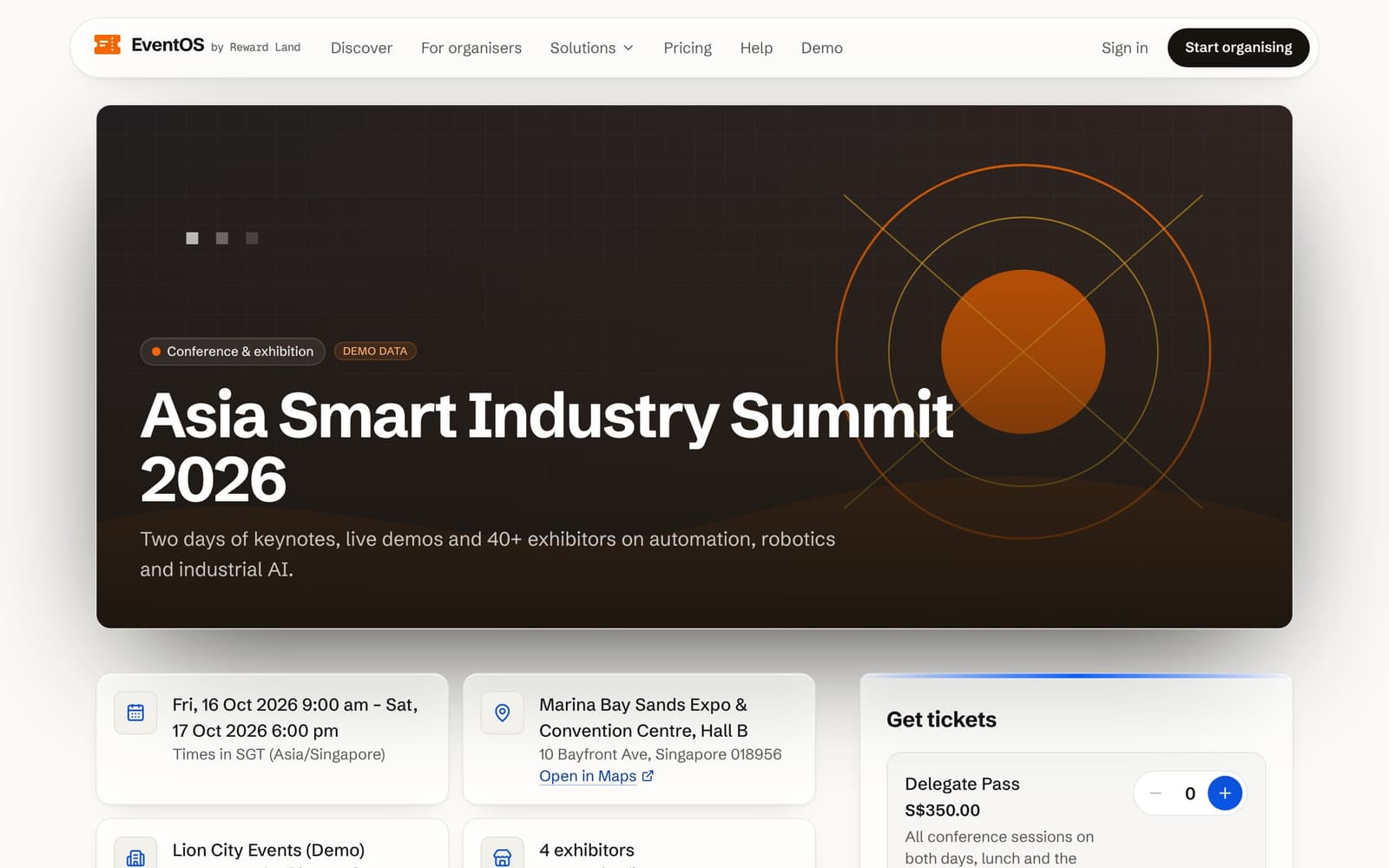
Set up and publish
Seven guided steps. Nothing is public until you publish.
- Email sign-in
- Conference or concert preset
- Rate locked at publish
- 02Organiser
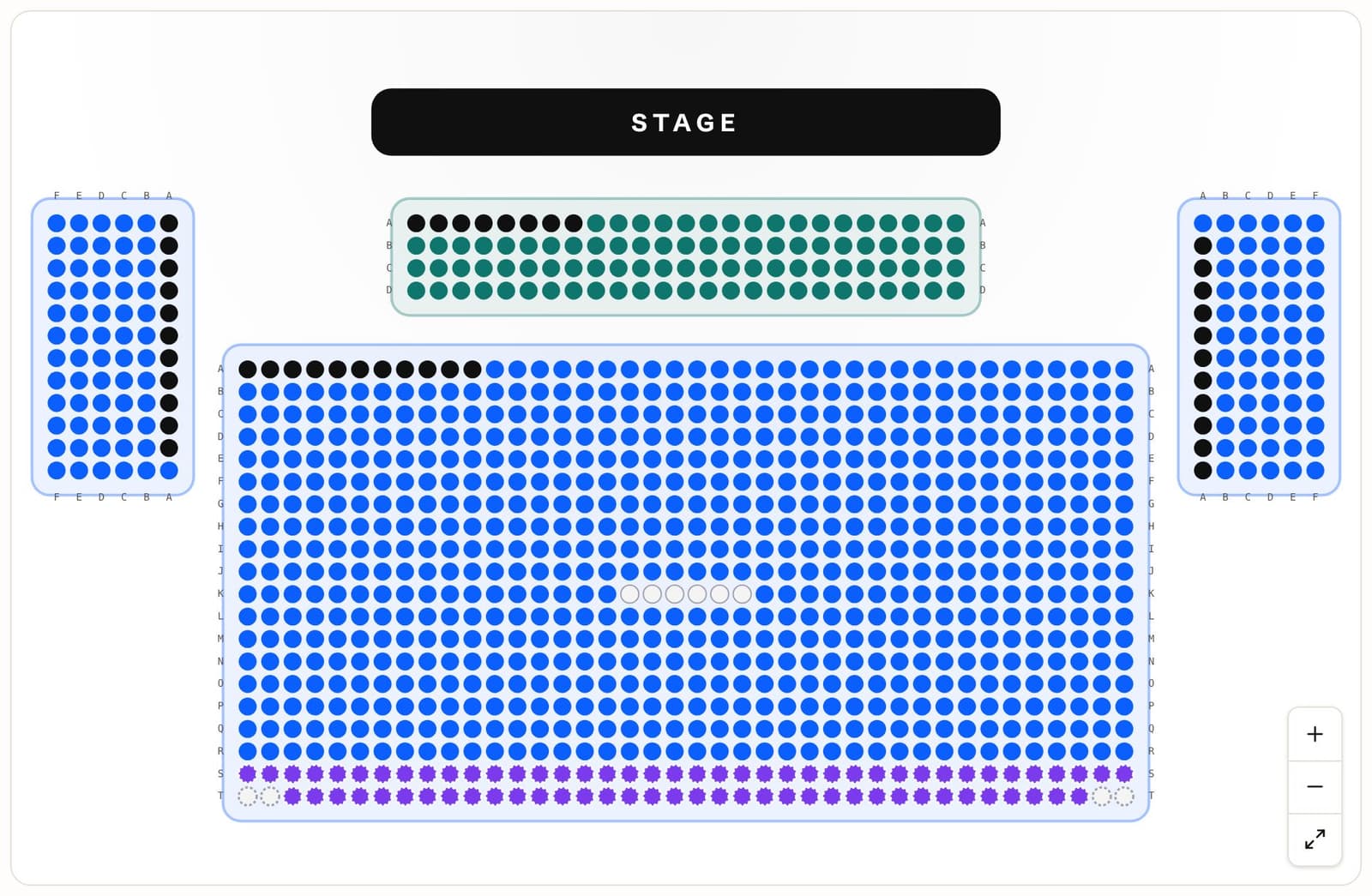
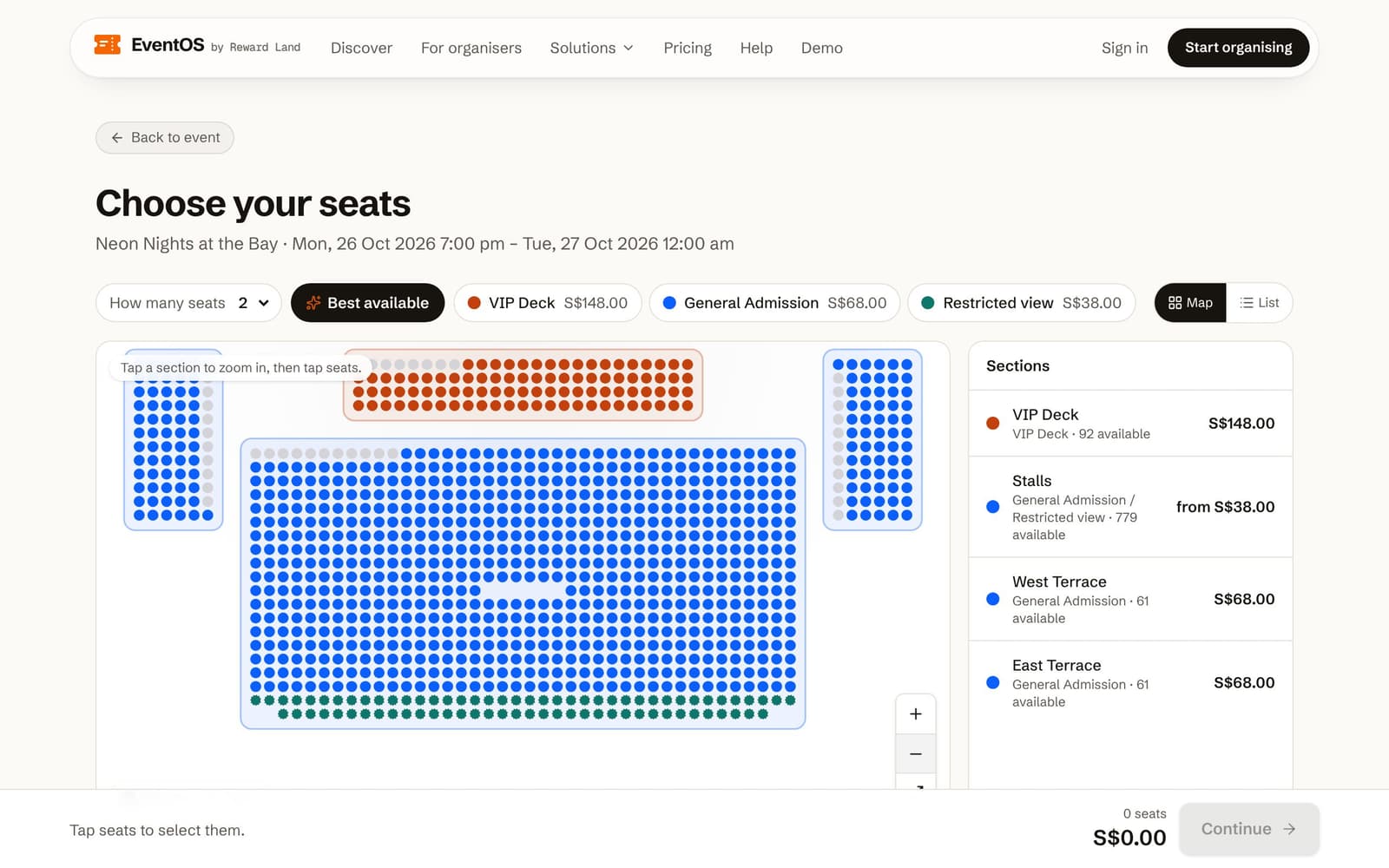
Sell tickets and seats
Free, paid and reserved seating. Money lands in your own account.
- No overselling
- 30-minute holds
- Stripe, HitPay, PayNow and more
- 03Organiser
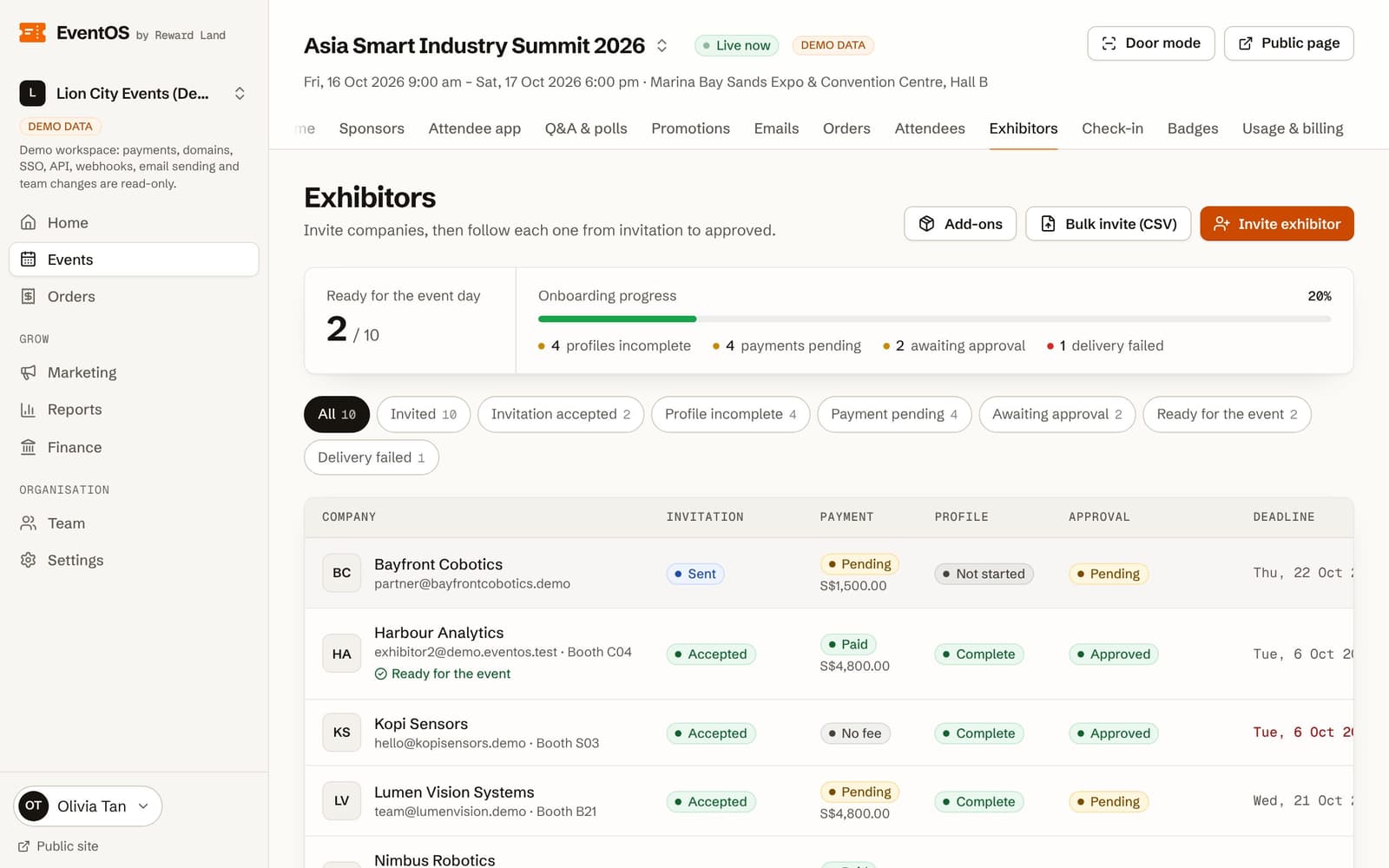
Onboard exhibitors
Invite by spreadsheet. Each company pays, completes a profile and gets approved.
- Progress per company
- Booth team invites
- Add-ons charged automatically
- 04Attendee
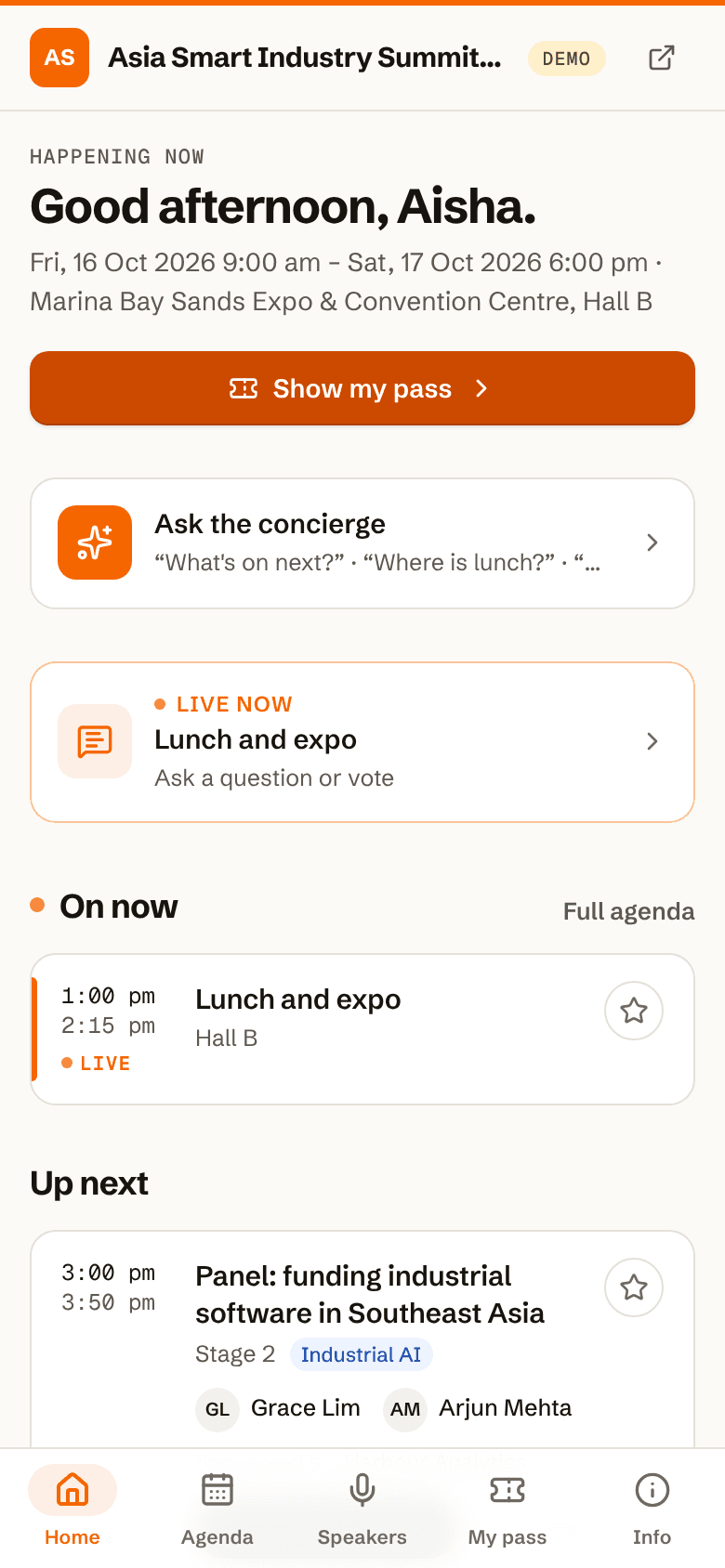
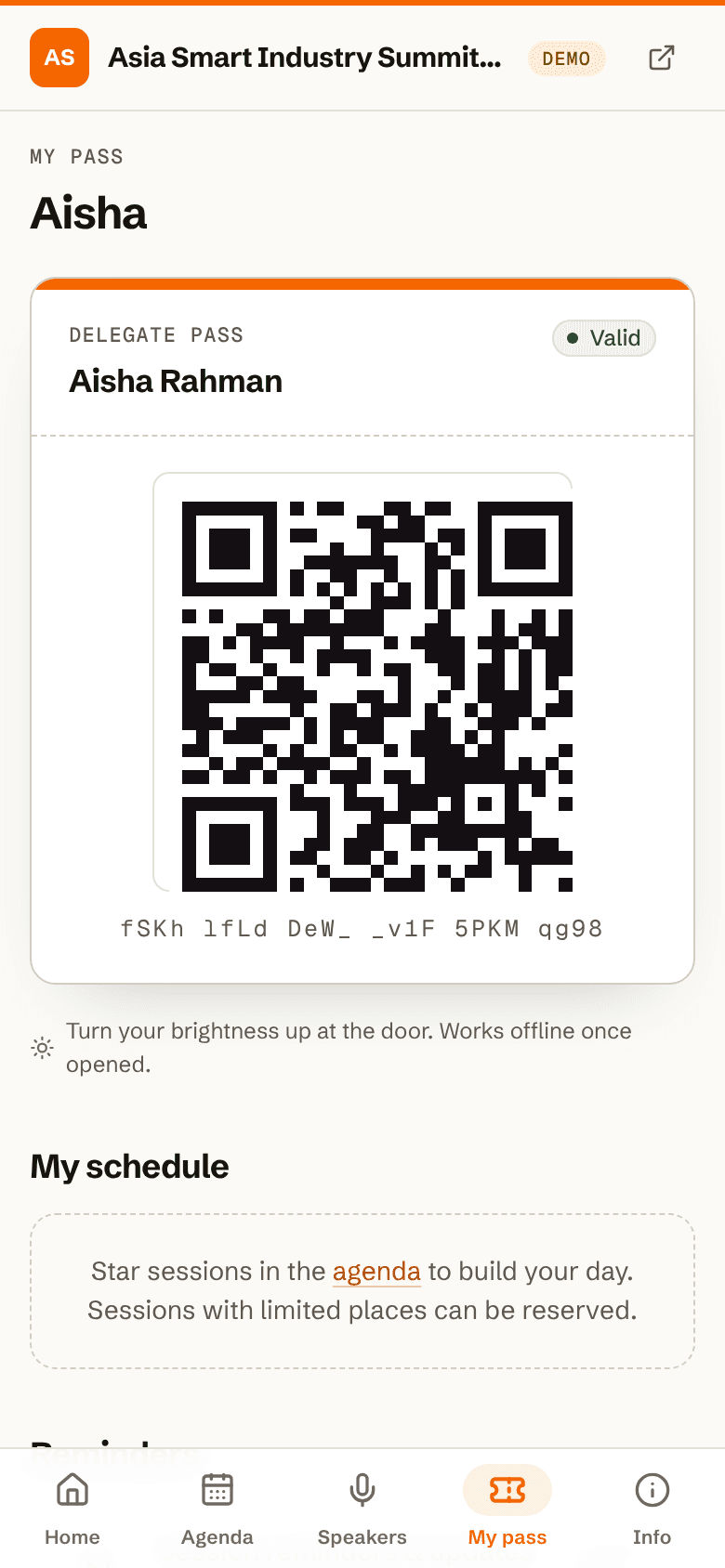
Attendees get a pass
One QR per person, on any phone. Agenda, speakers and updates in the same app.
- Buy for a group
- Separate networking QR
- Save exhibitors to visit
- 05Door staff
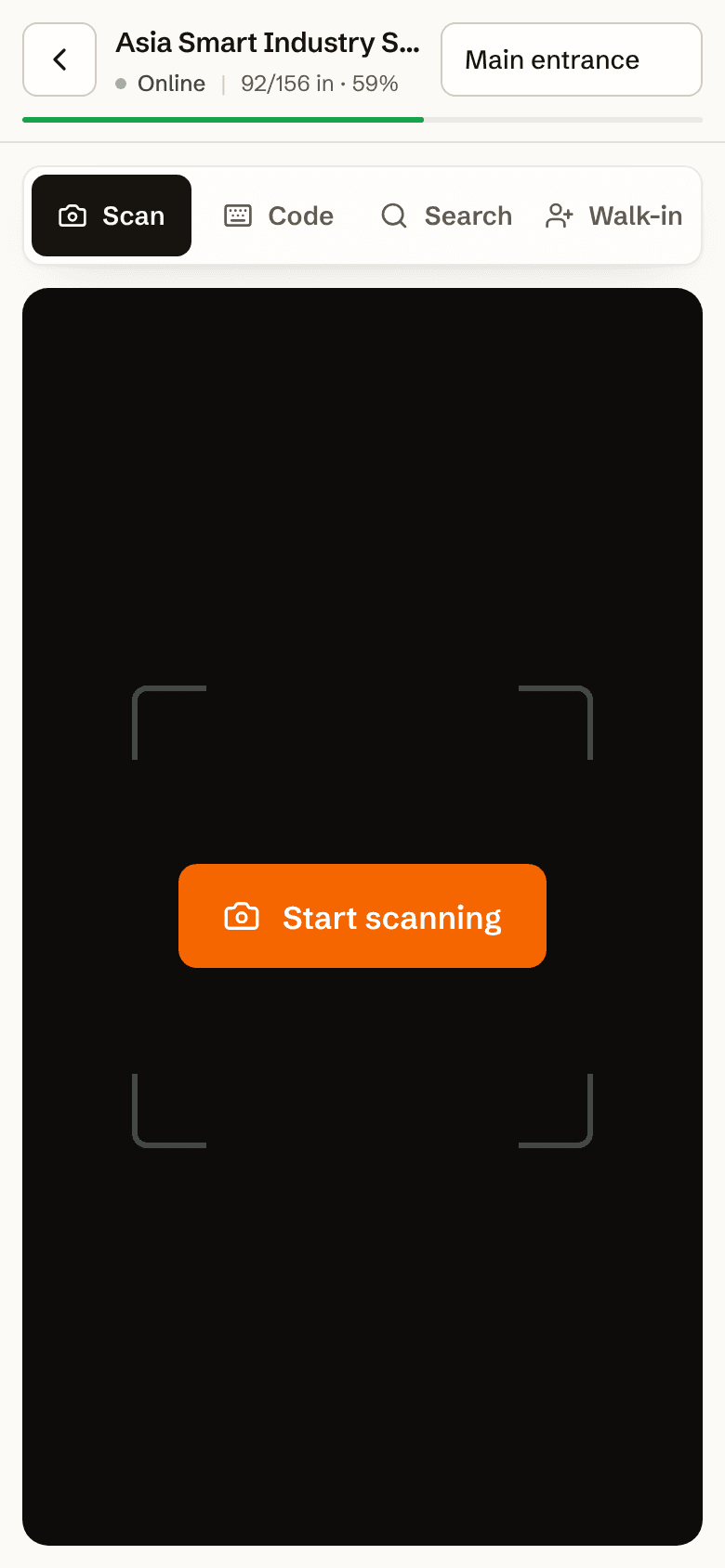
Scan at the door
Open a link, pick a gate, scan. Green, amber or red with a reason.
- First scan wins
- Re-entry rules
- Badges print on arrival
- 06Exhibitor
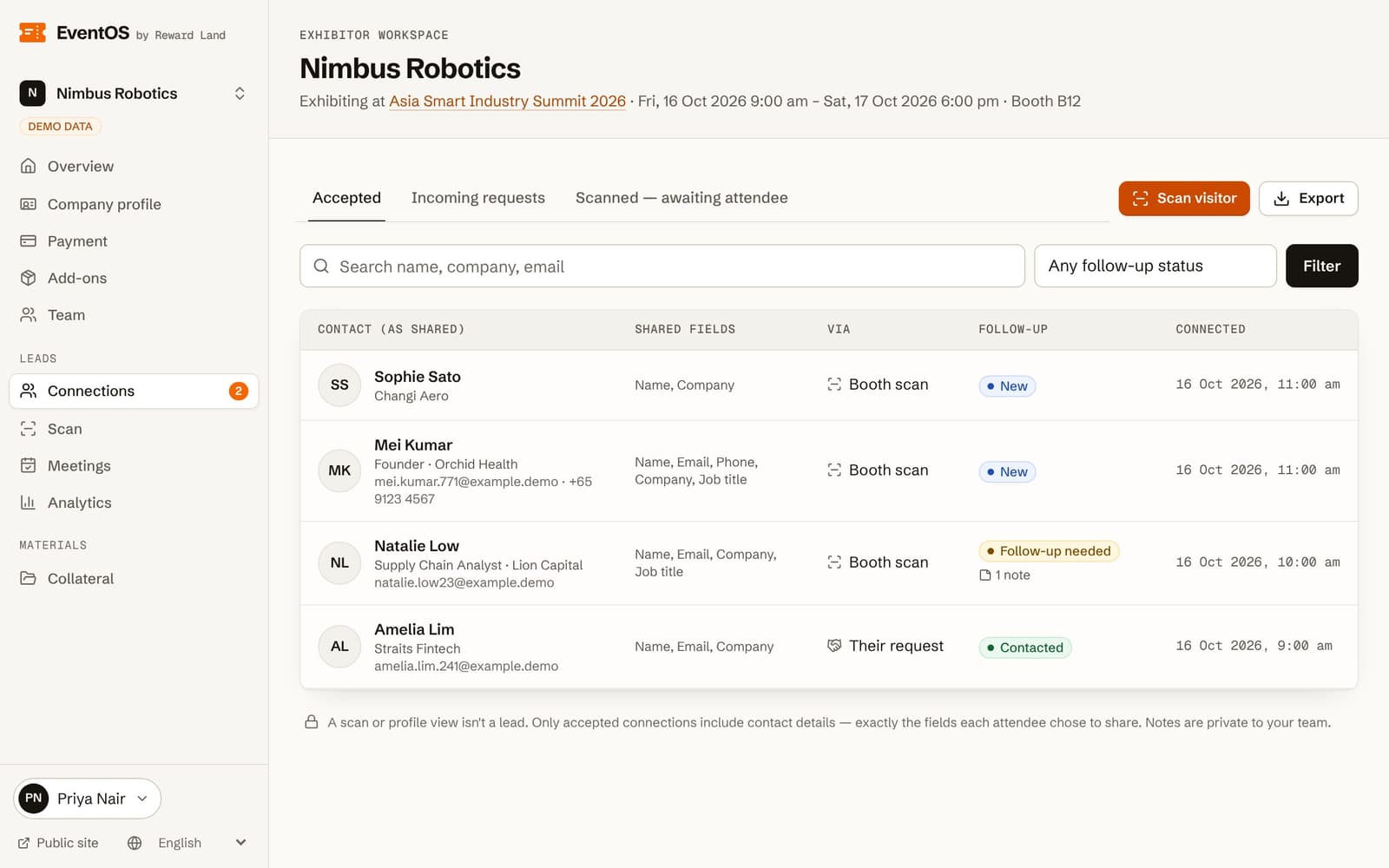
Capture leads with consent
Booth staff scan a networking QR. The attendee chooses what to share.
- Consent before contact
- Private notes and ratings
- Export only accepted leads
- 07Organiser
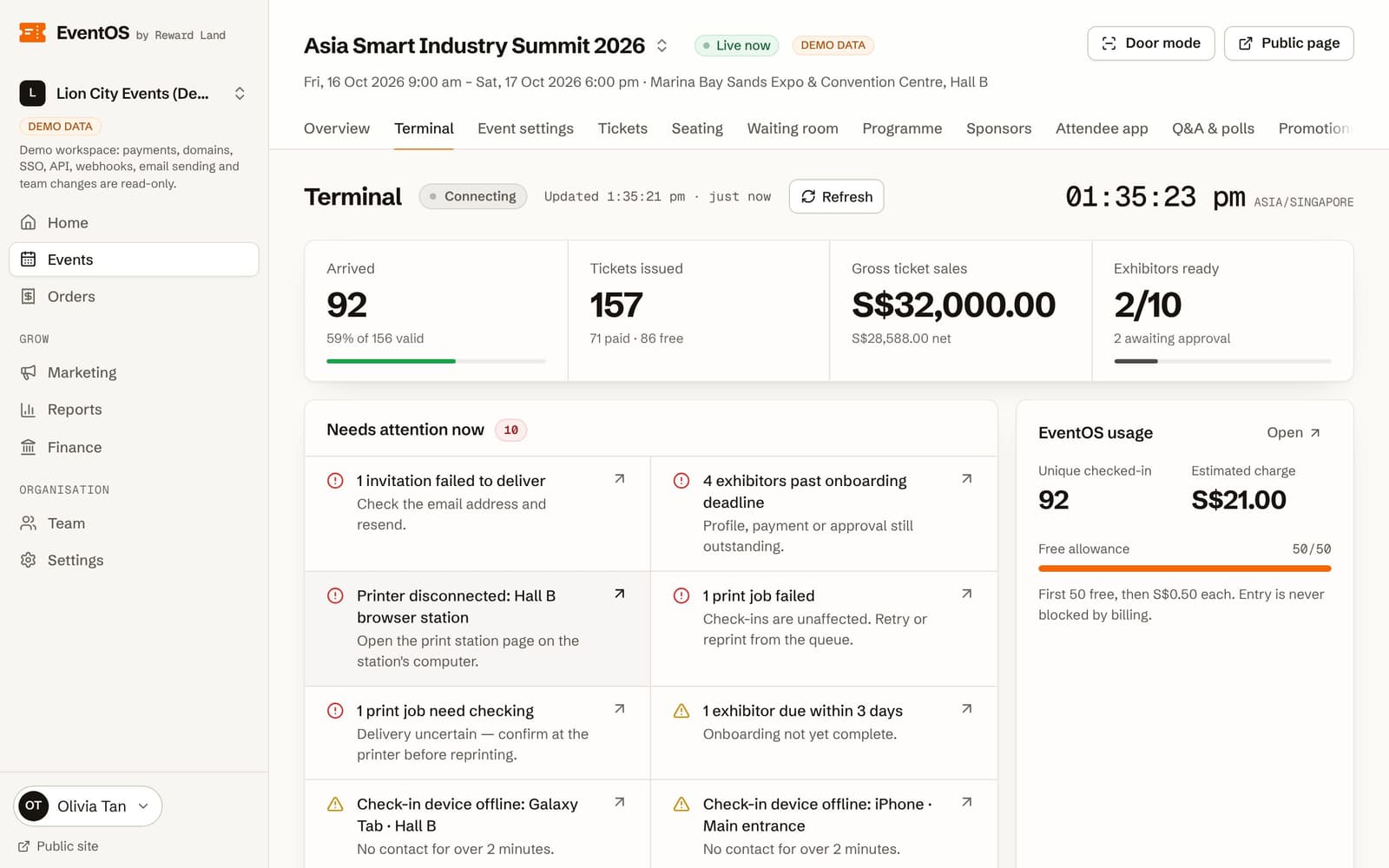
Watch it live
Arrivals, sales, exhibitor readiness and what needs attention, updated as it happens.
- Failed prints first
- Door mode one tap away
- Usage so far
- 08Organiser
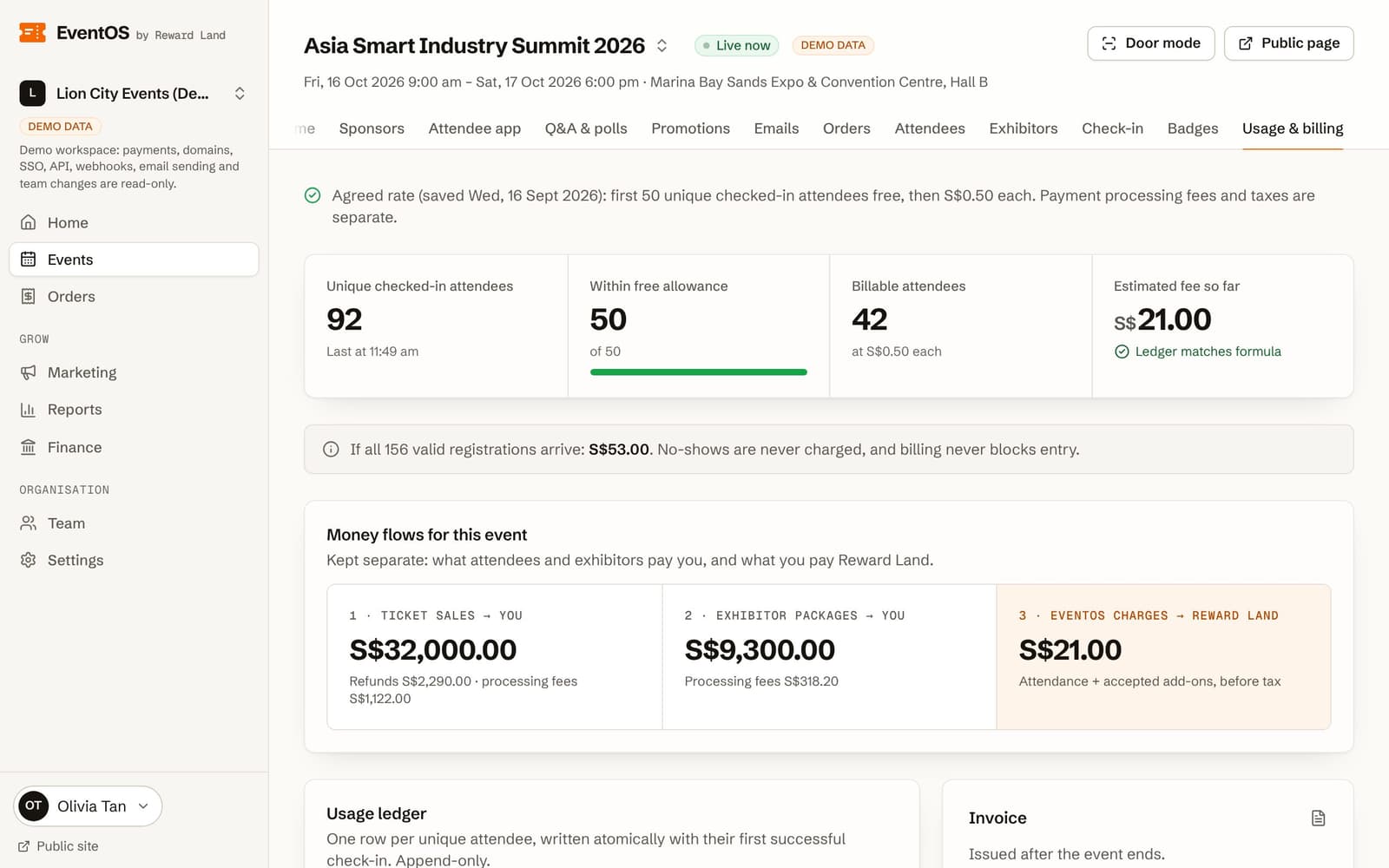
Invoice from the ledger
One ledger row per unique arrival. The invoice is built from it, nothing else.
- First 50 arrivals free
- No-shows never billed
- Unpaid invoices never block the door